BabySleepTight
Sounds to help babies settle
- White noise, rain, and lullabies, so you can keep one familiar sound every night
- Set a timer and it stops on its own, so the phone can stay across the room
iPhone · iPad · Android
DJ'S HOUSE · HAO'S DAD'S NOTEBOOK
I'm Hao's Dad, an engineer and a father. Every time my kids grew a little, a new puzzle showed up at home: getting a baby back to sleep at night, a preschooler who wanted to play on their own, daily reminders about homework and chores once school started. I tend to solve things by writing code, so the small tools I made, and the methods I looked into and tried along the way, are all collected here.
Have a look by your child's age. Something here might fit your family too.
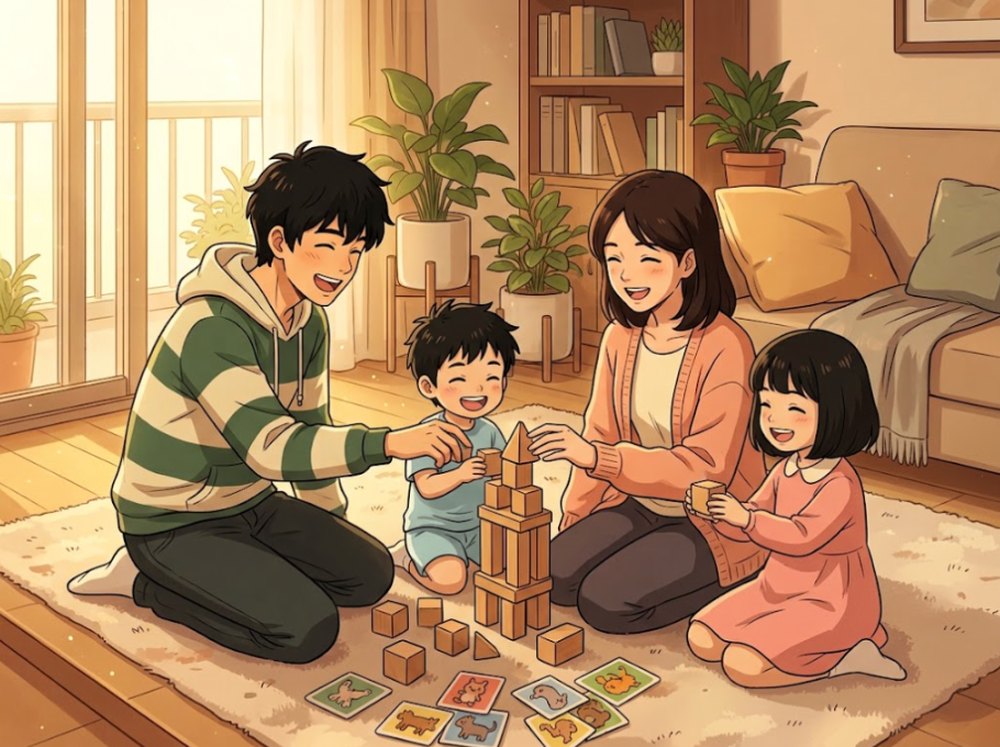

When kids are tiny, nights are often the hardest part: rocking them to sleep, only for them to wake the moment you lay them down. BabySleepTight was made for those nights. Below are notes on white noise, bedtime routines, and night wakings.
Tools I made for this age
Sounds to help babies settle
iPhone · iPad · Android
Notes for this age

Around preschool age, kids want to play on their own, and parents need a moment to breathe. I wanted those few minutes of screen time to feel safe: no countdown pushing them, and a wrong answer just means try again. There are also notes on choosing apps, playing together, and games that need no screen at all.
Tools I made for this age

Six little games for ages 3 to 6
iPhone · iPad

A maze game: help each animal find its food
iPhone · iPad
Notes for this age

Once school starts, “go do your homework” and “put your toys away” become the most-said lines in the house. Instead of reminding all day, I wanted to try turning chores into quests the whole family plays, where kids take them on and report back themselves. Here you'll also find notes on dividing chores, rewards, and allowance.
Tools I made for this age

Turn chores into a family quest
iPhone · Android · Web
Notes for this age

When we travel abroad with the kids, ordering food is often the most stressful part: we can't read the menu, and we're not sure whether a dish has something the kids can't eat. So I made a tool that lets you understand a menu by taking a photo. Each dish comes with a short description and common allergens, you can show your order straight to the staff, and you can even talk with them by voice.
A tool I made for trips
Notes for this age

A podcast I make for kids, in Mandarin Chinese. Each episode boards a time ship back to the late Han and Three Kingdoms era and sets the historical record beside the famous novel, so kids learn that the story they hear isn't always the whole truth.

Episodes are in Mandarin Chinese.
Latest episodes
ABOUT
DJ's House is the personal platform of Hao's Dad, an engineer dad in Taiwan. Raising kids comes with moments that wear parents out: a baby who won't sleep, a preschooler who wants to play alone, daily chore reminders once school starts. Since I can write code, I build a small tool for each stage, use it at home first, and then share it with parents facing the same thing.
What I looked into and tried along the way becomes the guides on this site. Each one sticks to things you can try tonight, without overstating results. For health questions, please follow your pediatrician's advice.
— Hao's Dad